


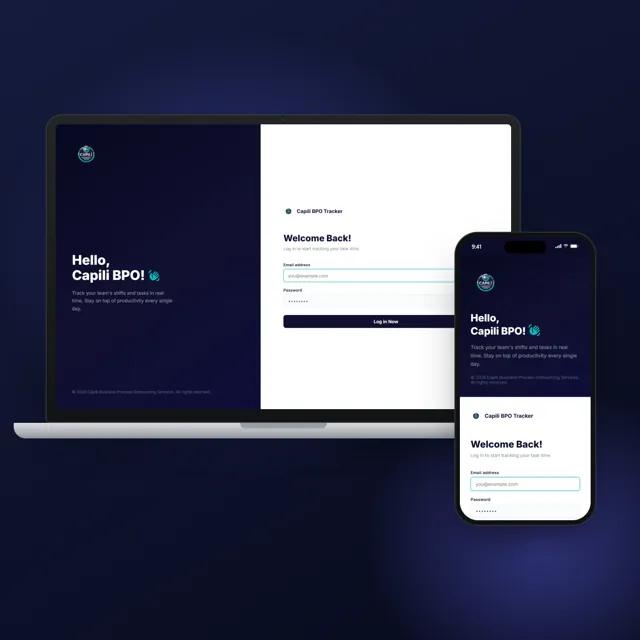
 2026ShippedCapili BPOS DashboardDeveloped an attendance and shift-tracking dashboard for a BPO client to replace manual logging with real-time monitoring. The system streamlined clock-in/clock-out tracking, reduced attendance discrepancies, and gave management instant visibility into team schedules and shift compliance.Case study
 Business automation and internal tools
Gabriel Andrei Villanueva builds software that takes repetitive work off a team: dashboards that replace manual logs, scheduled jobs and notifications, integrations between the tools you already use, and small desktop apps. Built with Laravel, Node.js and Electron, and kept running after launch.
Deliverables
What you get.
Workflow automation
Repeated steps such as logging, reminders and reports, done by the system on a schedule or a trigger.
Internal dashboards
Live views of attendance, orders or jobs, in place of spreadsheets and manual logs.
Integrations
The tools you already use connected through their APIs: forms to email, orders to records.
Desktop tools
Small always-on-top apps for tasks like clocking in and out, built with Electron.
Browser automation
Repetitive browser tasks and checks scripted with Playwright.
An admin to run it
Settings, users and records managed from one panel, without a developer.
Process
How it runs.
Each step ends with something you can see and approve.
- Map the work
Which steps repeat, who does them, and which ones are worth automating first.
- Written plan
Scope, timeline and price in writing, before any work starts.
- Build
The jobs, dashboard or tool, connected to the systems you already use.
- Launch
Set up where it runs, with your team shown how to use it.
- After launch
Fixes, tweaks and questions answered; the site keeps running.
Toolkit
Tools & craft.
Software
- Laravel
- Node.js
- Express
- Electron
- Playwright
- GitHub Actions
- Docker
- REST APIs
- MySQL
- Supabase
Craft
- Process mappingThe repeated steps found and written down before anything is built.
- Scheduling & triggersJobs that run on a timer, or the moment something happens.
- Logs & alertsEvery run recorded, so a failed job is noticed and fixed, not lost.
Proof
Related work.
2026ShippedCapili BPOS DashboardDeveloped an attendance and shift-tracking dashboard for a BPO client to replace manual logging with real-time monitoring. The system streamlined clock-in/clock-out tracking, reduced attendance discrepancies, and gave management instant visibility into team schedules and shift compliance.Case study 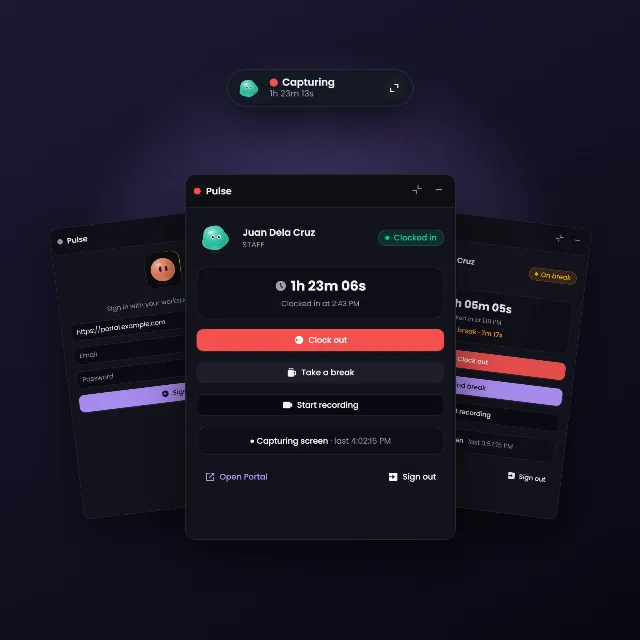 2026ShippedPulseI built Pulse, a desktop time-tracking widget for Isla Outsourcing staff. Staff clock in and out from a small always-on-top window, and while they are on the clock it captures their screen and uploads it to the Isla Portal.Read the case study : Pulse
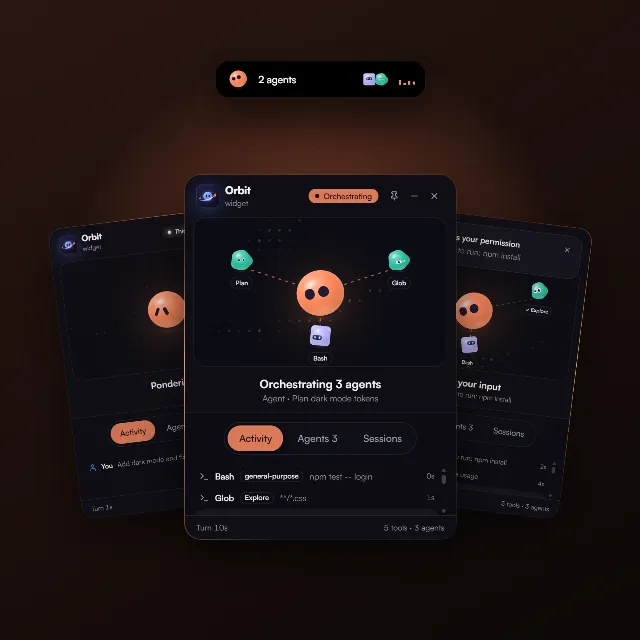 2026ShippedOrbitI built Orbit, an always-on-top desktop widget that shows what Claude Code is doing. An Avatar Lab character plays Claude and reacts to the session, and the subagents it spawns orbit around it as characters of their own.Read the case study : Orbit
FAQ
Questions, answered.
What people ask before starting automation & internal tools.
What kind of work can be automated?
Anything a person repeats on a schedule or in response to something: logging attendance, sending reminders, moving form entries into email or a database, updating records and compiling reports.
Do I have to replace the tools I use now?
Usually not. Integrations connect the tools you already use through their APIs; a new tool is built only where nothing fits.
What have you automated before?
An attendance and shift-tracking dashboard that replaced manual logging for a BPO team, and a desktop time-tracking widget that clocks staff in and out and uploads screen captures to the client’s portal.
How much does it cost?
It depends on what is being automated. After a short conversation you get the scope, timeline and price in writing, before any work starts.
What happens when something breaks?
Runs are logged so a failure shows up, and fixes and questions are still handled after launch.
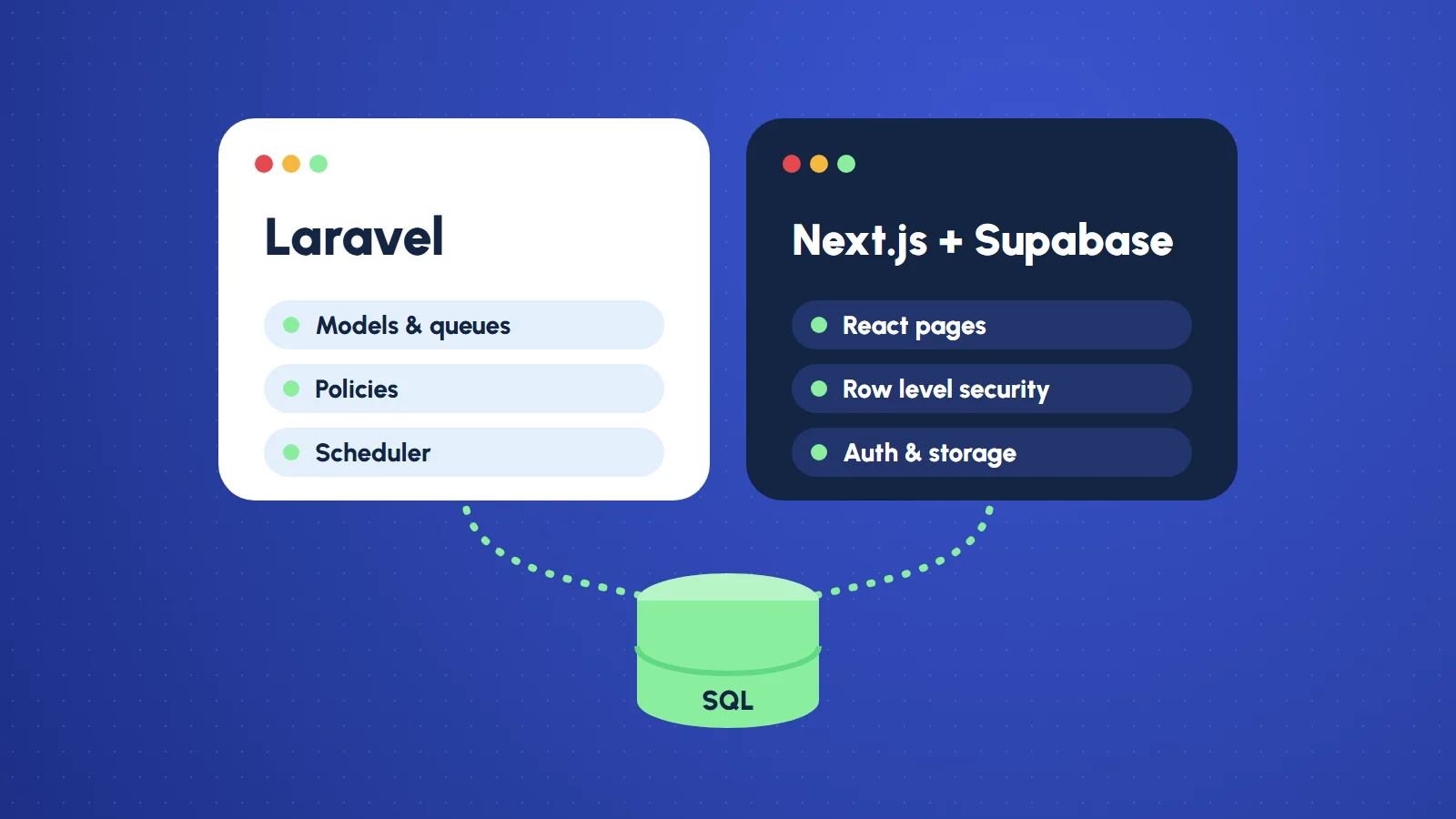
Not sure which one you need?
Tell me the problem. I will tell you what it takes, what it costs, and whether you need me at all.
- Written quote
- Fixed scope
- Reply within 24 hours