 By Gabriel Andrei Villanueva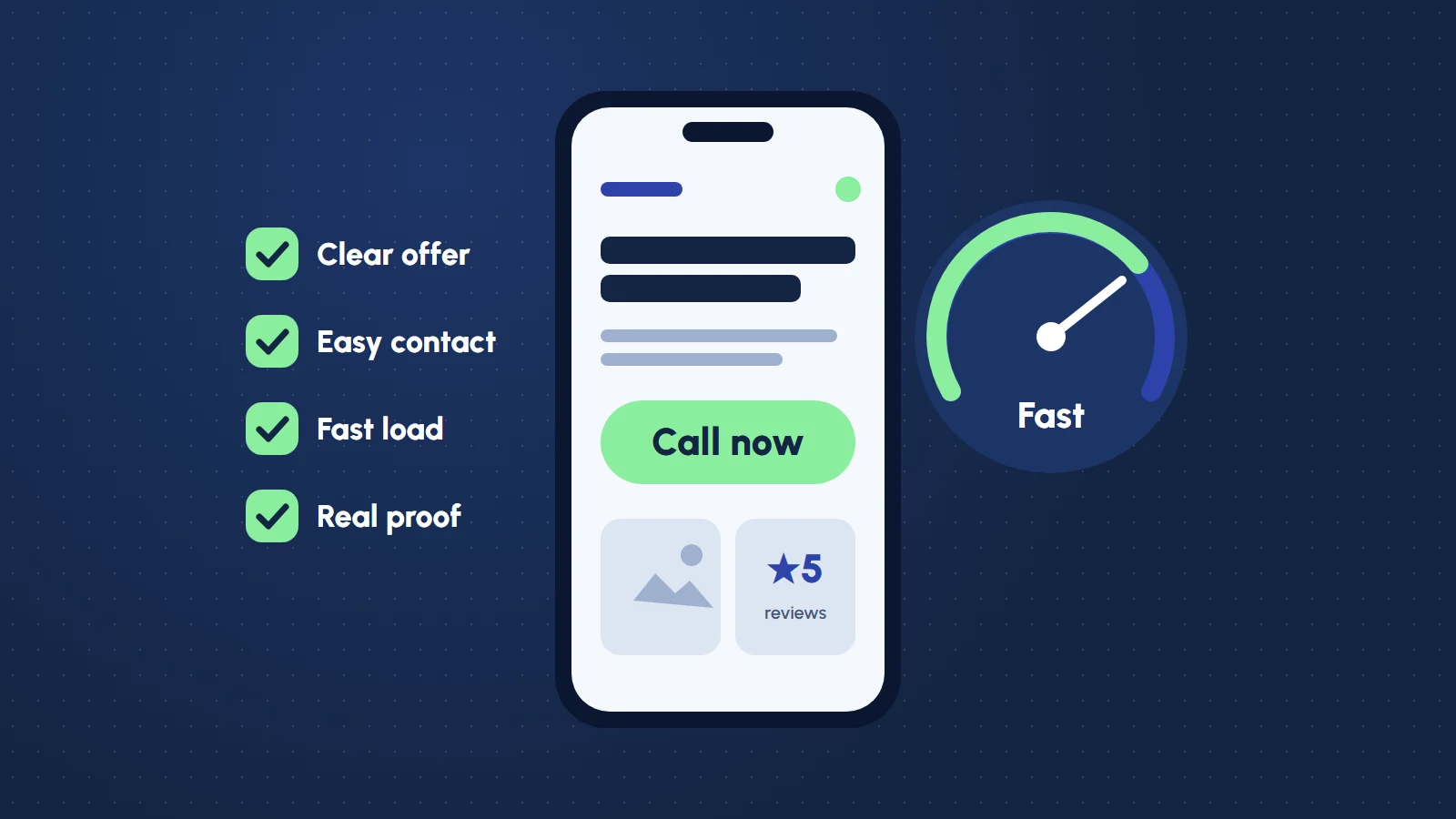
When a business owner asks me for a website, the first list they bring is usually long: animations, a chatbot, a blog, a members area, a booking system, five languages. The list I care about is much shorter. A small business site has one job: help a stranger decide to contact you, and make that easy. Everything else is decoration until that job is done.
Here is how I think about it, in the order I build it.
1. Say what you do in the first screen
A visitor gives your homepage a few seconds. In that time they should be able to answer three questions without scrolling:
- What is this? One plain sentence. “Family dental clinic in San Pablo City” beats “Your smile, our passion.”
- Is it for me? Location, the kind of customer you serve, or the problem you solve.
- What do I do next? One obvious button: call, book, request a quote.
If your hero section needs a paragraph to explain itself, the paragraph is the problem, not the design.
2. Make contacting you impossible to miss
This is the part most sites get wrong, and it is the cheapest to fix. Put your phone number, email or booking button in the header, repeat it at the end of every page, and make it tappable on a phone. A contact form is good; a contact form that quietly fails is worse than none. A good one tells the sender their message arrived, keeps a copy where you can find it, and stops spam without making real people solve puzzles.
Every page should end with a next step. A page that ends in a footer is a page that lets people leave.
3. Fast on a cheap phone, not just on your laptop
Your customers are probably on mobile data, on a mid-range phone, half paying attention. Speed is not a technical nicety for them; it decides whether they wait or go back to the search results. The basics carry most of the weight:
- Images resized for the space they fill, in a modern format, loaded lazily below the fold.
- Fonts kept to one or two families and a few weights.
- No layout that jumps around while it loads.
- Scripts only where they earn their place. Every tracking pixel and widget has a cost.
On this portfolio, resizing images through the storage service alone took the homepage from about 4.5 MB of images down to roughly half a megabyte. Nothing about the design changed; it just stopped making people wait.
4. Proof, close to the claim
“Trusted by hundreds” means nothing. A real testimonial with a name and a role, a photo of the actual shop, a project with before-and-after screenshots: these do the convincing. Put them right next to the thing they prove, not on a separate page nobody opens.
5. An admin you can actually use
A site you cannot update becomes a site that lies. Opening hours change, prices change, the team changes. I build a small admin for every client site so the owner can edit the content that changes, without touching code and without being able to break the layout. If updating your site means messaging a developer, it will not get updated.
6. The foundations nobody sees
These do not show up in a screenshot, but they decide whether the site keeps working:
- HTTPS, a sensible domain email, and backups you have actually tested.
- Page titles and descriptions written for people, so search results read well.
- Basic accessibility: real headings, readable contrast, labels on every form field, keyboard navigation. It helps everyone, and search engines read the same structure.
- Analytics that answer one question: are people contacting you, and from which pages?
What you can skip (for now)
None of these are bad. They are just rarely the reason a small site succeeds or fails, and each one adds cost and upkeep:
- A blog you will not write. An empty blog with one post from two years ago hurts more than no blog.
- A chatbot. A visible phone number and a fast reply do the same job better.
- Heavy animation. A little motion helps people follow the page. A lot of it slows the page and hides your content.
- Every page you can imagine. Five clear pages beat fifteen thin ones.
The short version
Say what you do, make contacting you easy, load fast on a phone, show real proof, and give yourself a way to keep it current. Get those right and most of the long list stops mattering. When it does start to matter, the site will be ready for it, because it was built on a clean base instead of a pile of features.
If you are planning a site and want a second pair of eyes on the list, send me a message. I am happy to tell you what to cut.
Common questions
What pages does a small business website need?
Usually five: a home page, your services, an about page, proof such as projects or testimonials, and a contact page. Five clear pages work better than fifteen thin ones.
How fast should a small business website be?
Fast enough on a mid-range phone over mobile data that visitors do not give up. Resize images for the space they fill, use one or two font families, keep the layout from jumping while it loads, and only add scripts that earn their place.
Does a small business website need a blog?
Only if you will keep writing. An empty blog with one post from years ago hurts more than having no blog at all.
Can I update my website without a developer?
You should be able to. A small admin lets you change the content that changes, such as opening hours, prices and photos, without touching code or breaking the layout.